Quickstart
Run your first guardrail: add ScopeGuard-2 to a simple parcel-tracking assistant, so that it blocks every query the assistant must not handle.
Before you begin
The hosted API is in preview and access is on request: write to us at orbitals@principled-intelligence.com and we enable your email domain. Then create your account on the dashboard.
Orbitals dashboardCreate your accountSend your first query
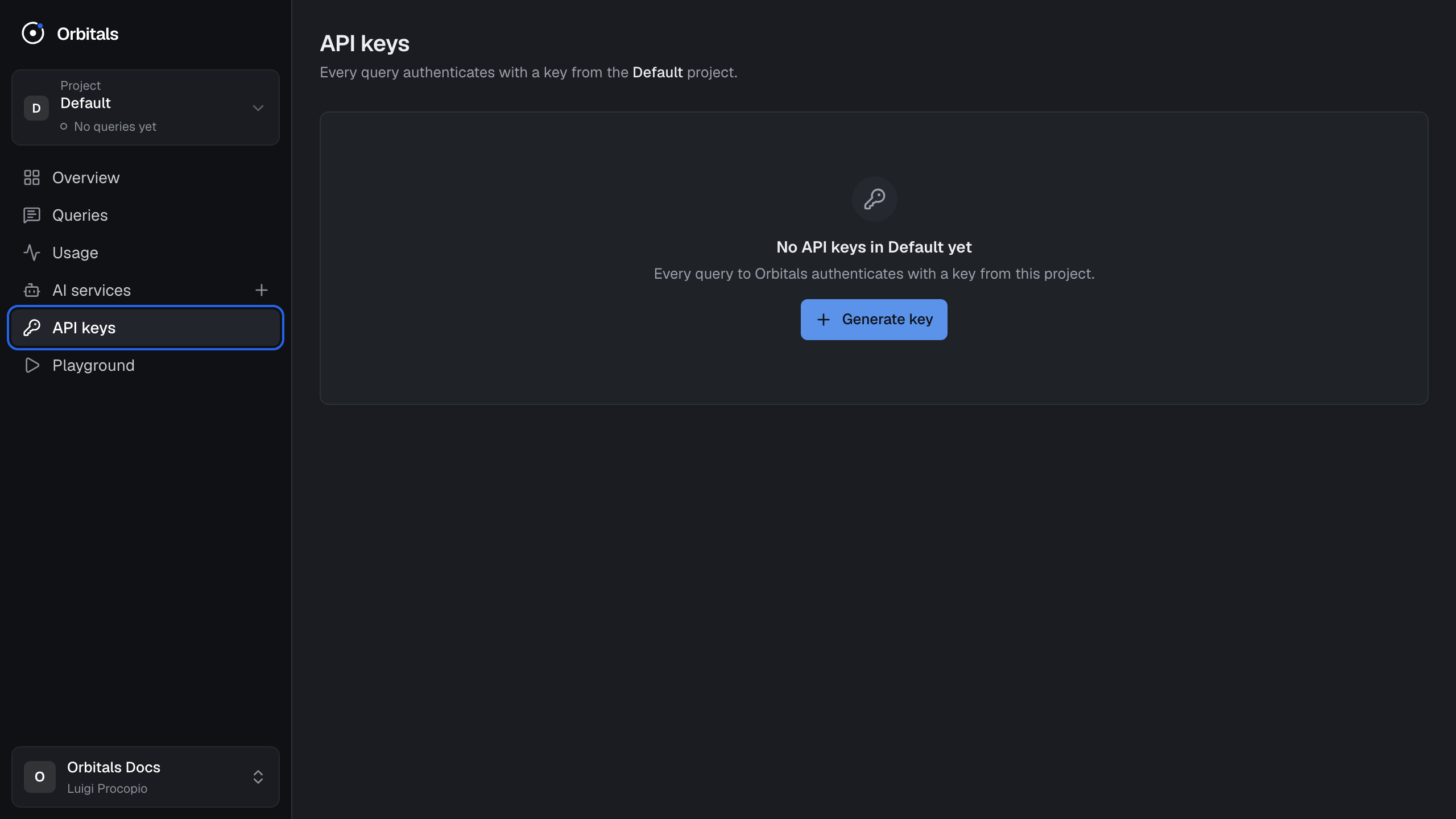
Create an API key
In the dashboard, create a key and copy it: the dashboard shows it only once.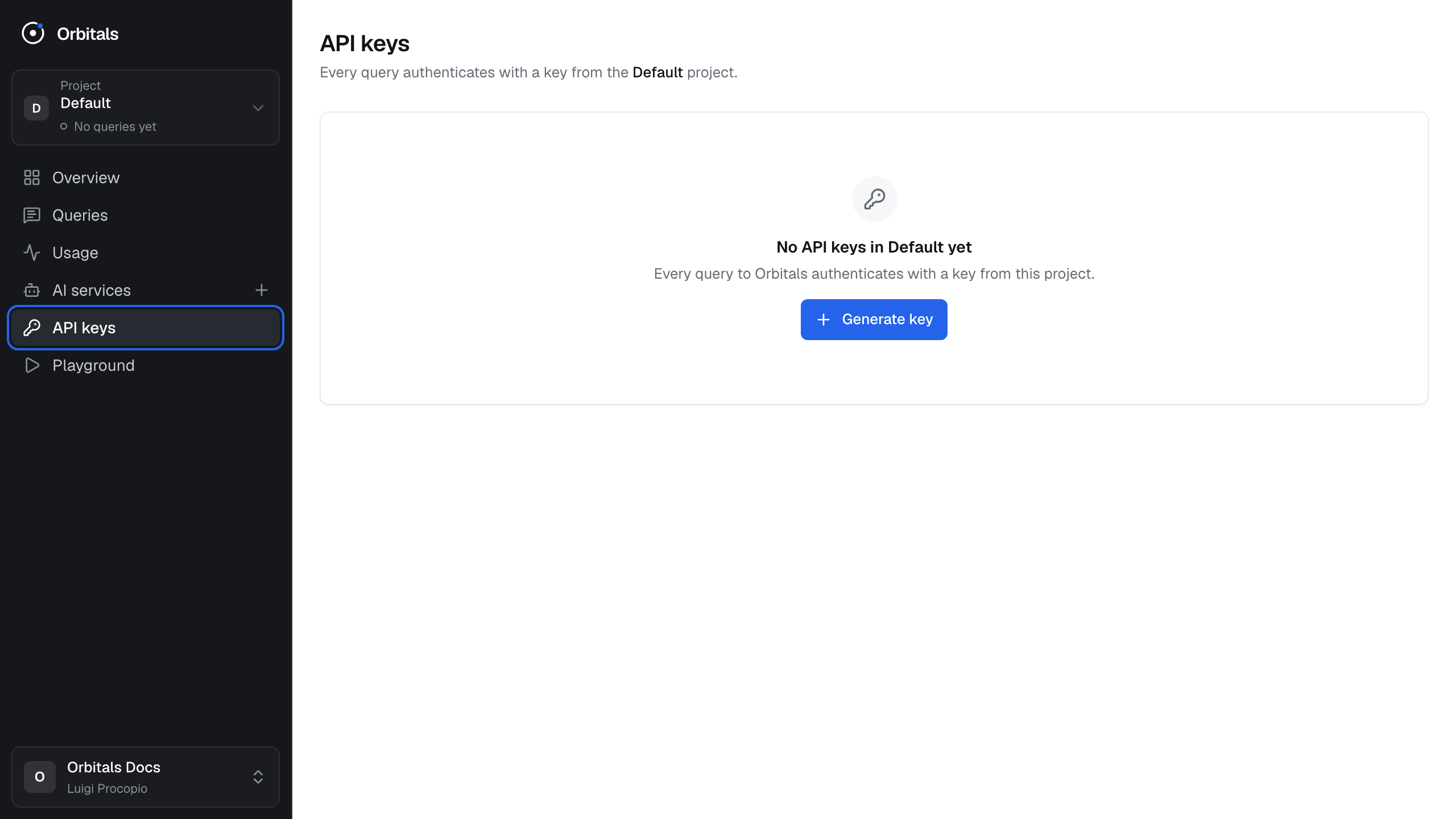
Query ScopeGuard-2
- Python
- cURL
Setup
pip install orbitals  # Python 3.10 or later
export PRINCIPLED_API_KEY="principled_..."
quickstart.py
from orbitals.scope_guard_v2 import ScopeGuardV2

sg = ScopeGuardV2(
    backend="api",
    api_url="https://api.orbitals.principled.app",
)

result = sg.validate(
    [
        {
            "role": "user",
            "content": "I ordered a package, tracking number 1234567890",
        },
        {
            "role": "assistant",
            "content": (
                "Great, the package is in transit. "
                "What would you like to know?"
            ),
        },
        {
            "role": "user",
            "content": "If it does not arrive tomorrow, can I get a refund?",
        },
    ],
    ai_service_description=(
        "A virtual assistant for a parcel delivery service. "
        "It tracks packages by tracking number "
        "and gives expected delivery dates. "
        "It never handles refund requests."
    ),
)

print(result.scope_class.value)
Run it
$ python quickstart.py
Restricted
Setup
export PRINCIPLED_API_KEY="principled_..."
curl -sS -X POST \
  "https://api.orbitals.principled.app/orbitals/scope-guard-v2/validate" \
  -H "X-API-Key: $PRINCIPLED_API_KEY" \
  -H "Content-Type: application/json" \
  -d '{
  "conversation": [
    {
      "role": "user",
      "content": "I ordered a package, tracking number 1234567890"
    },
    {
      "role": "assistant",
      "content": "Great, the package is in transit. What would you like to know?"
    },
    {
      "role": "user",
      "content": "If it does not arrive tomorrow, can I get a refund?"
    }
  ],
  "ai_service_description": "A virtual assistant for a parcel delivery service. It tracks packages by tracking number and gives expected delivery dates. It never handles refund requests."
}'
Restricted means your AI service must never process the message, so you do not pass it on to your LLM.
See it in the dashboard
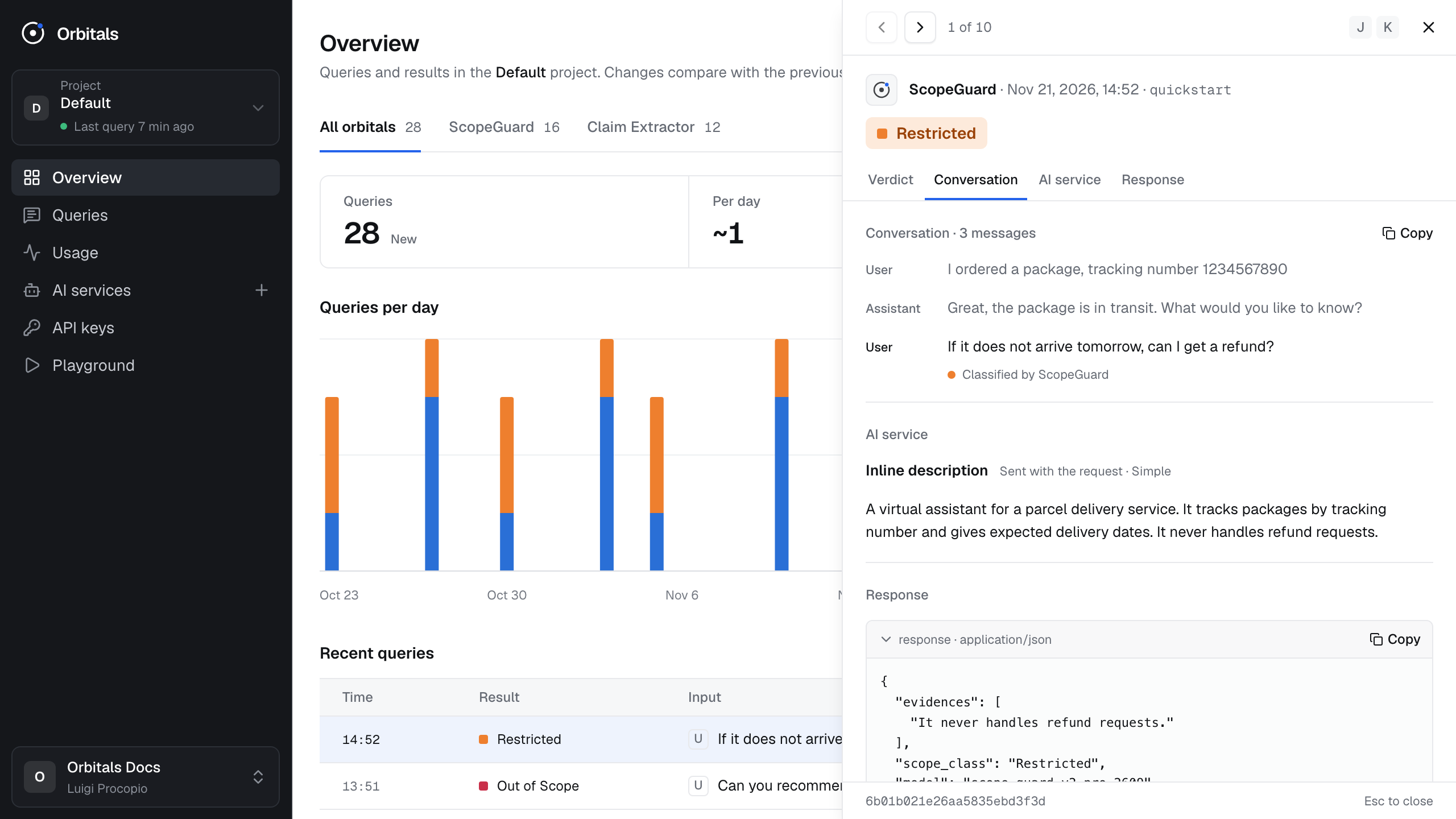
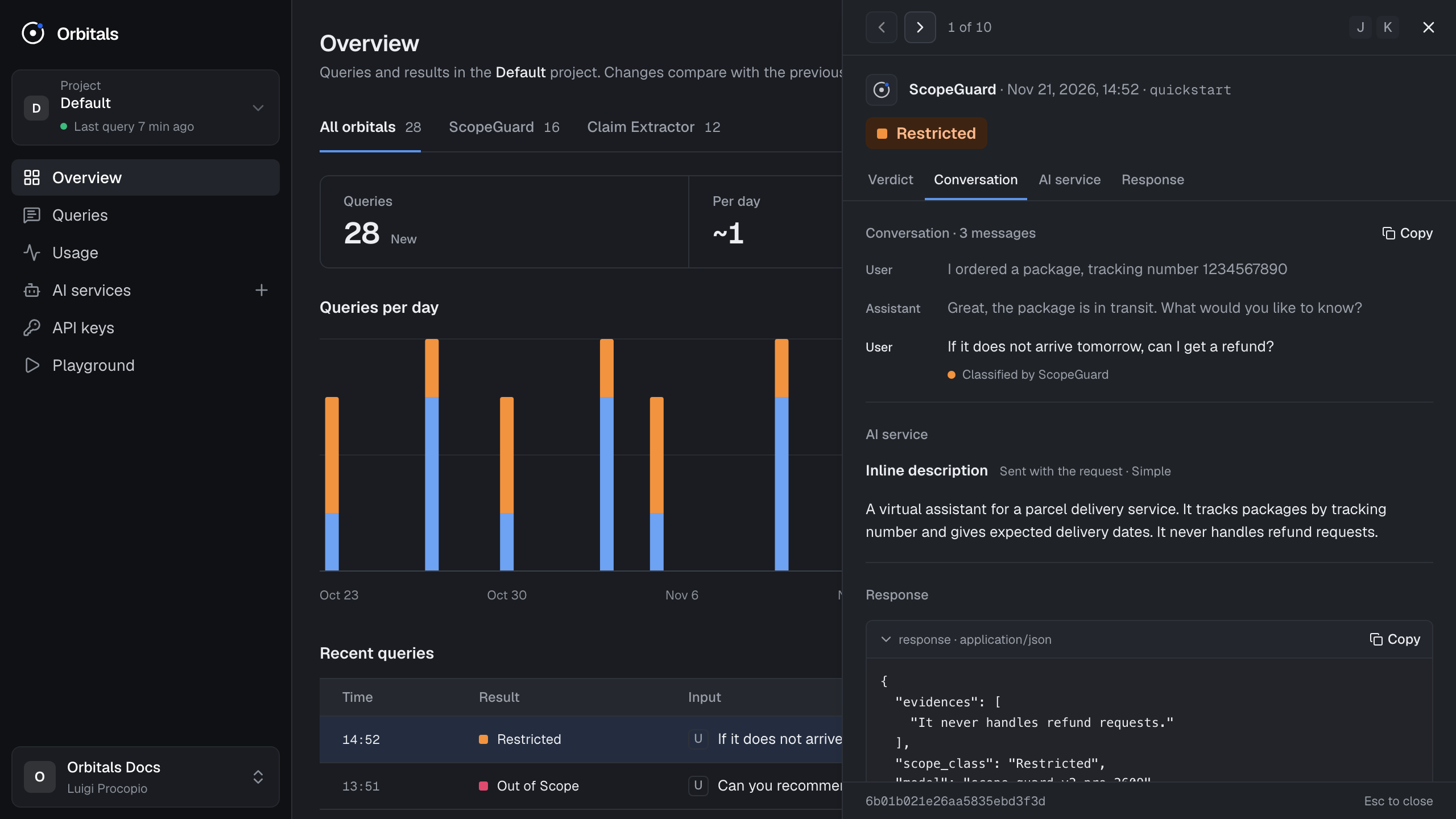
Back in the dashboard, Overview lists your calls under Recent queries: click one to open the conversation it checked and the class it got.